Automatic document import
All documents from every source
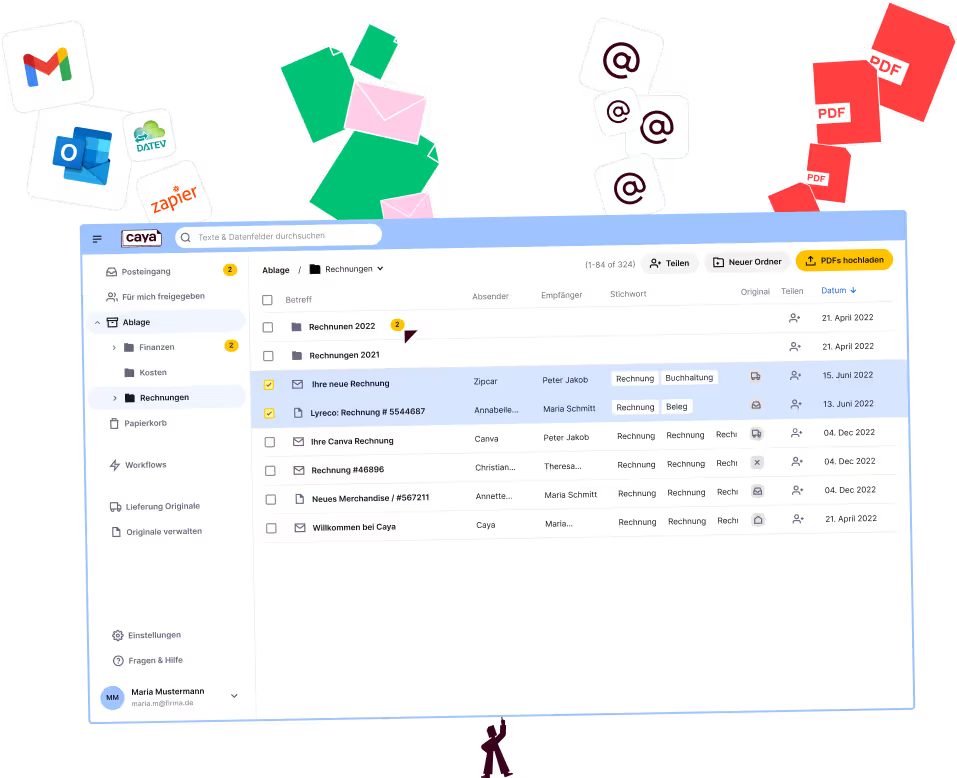
Whether via forwarding, import, upload or post-scan service: Caya is your document hub, where all documents from (almost) every source are brought together automatically.

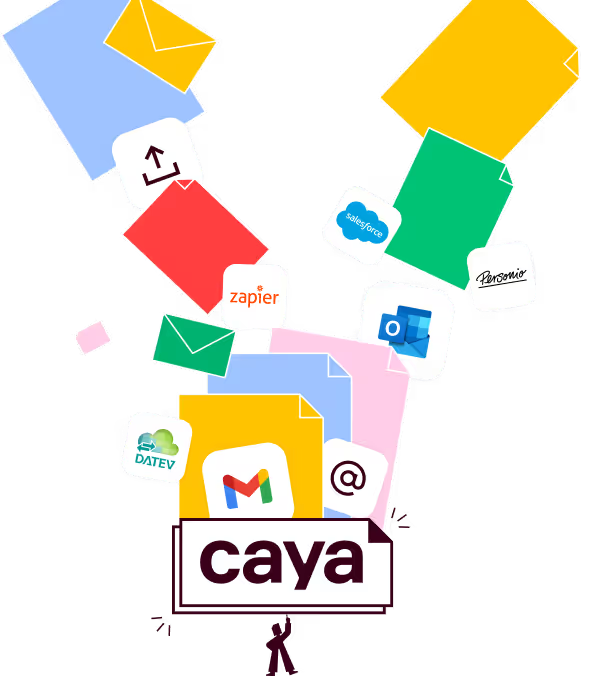
Centralise the processing of all your documents in one single place.
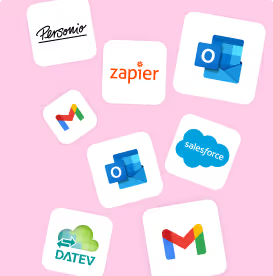
Automagic import
Use standard workflows to automatically import documents from over 100 tools – including Gmail Business and Outlook – into your Caya Document Automation Suite.
Post Scan Service
We redirect your post, digitise it and make it available in the Caya Document Automation Suite.

Upload via email
Caya provides you with an email address for imports. When PDF files arrive, they are uploaded to your Caya Document Automation Suite.

Uploading PDFs
PDFs can be uploaded directly from the Caya Document Automation Suite – with just one click.
A product that makes your most comprehensive document suite even better.
Never lose a document again
Thanks to user-friendly, intelligent filters and full-text search, important documents are always quickly to hand.
Document Centre
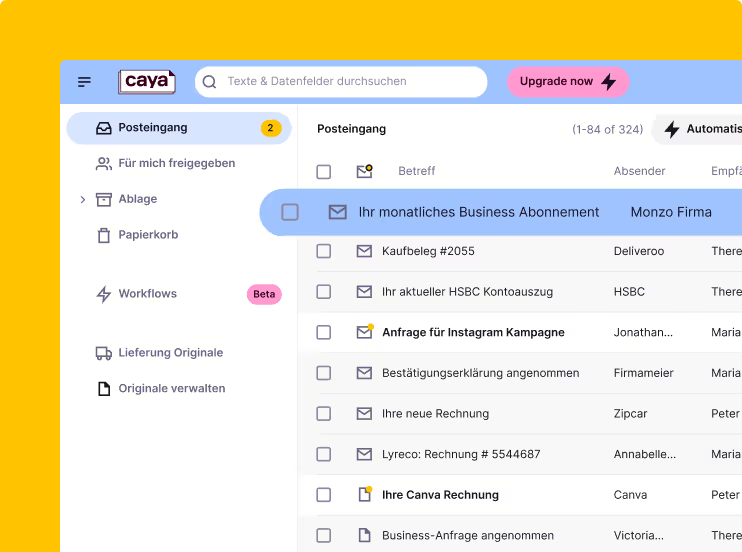
The central Caya Document Automation Suite provides an overview of incoming documents and required actions.

Automation saves time & £££
Recurring tasks? Simply set up a workflow and everything is taken care of.

"With Caya, we manage to digitise our incoming post and distribute it to our employees daily, wherever they are working."
Office Management Associate, WWF

Thomas Muller
How do you set up an automagic email import?
1. Connect your email inbox to Caya.1. Connect your email inbox to Caya.
2. Select a predefined email automation from the standard workflows.2. Select predefined email automation from the Standard Workflows.
3. Set up, name and add your workflow. Done!3. Set up a Workflow, add a title and add the workflow. Done!
4. From now on, every PDF attachment will be uploaded to the Document Cockpit #Automagic4. From now on, every PDF attachment is uploaded to the Document Cockpit #Automagic
More workflows for even more automation? You've got it!More workflows for even more automation? There you go!
- Forward a document to a specific folder based on its type. For instance, an invoice will land in the "Invoices to be paid" folder.
- Integrate tools you already use to forward only specific document types; for example, signed employment contracts can be automatically forwarded to Personio.

We are here to help
Speak to our experts and find out today how Caya can help you.Talk to our experts and find out how Caya can help you.

Still have questions?
Caya uses the latest machine learning technologies to make your Caya experience convenient and user-friendly. Data extracted exclusively by complex algorithms includes, for example:• Sender and subject• The topic, represented by keywords• The pre-filled PayNow formCustom data points can also be captured on request. Get in touch with us.
Anyone with the correct login details has full access to all features of the Caya Document Automation Suite for that account. Alternatively, individual documents or entire folders within an account can be shared with any number of email addresses.

Goodbye paperwork, hello Caya.
Caya gives you the freedom to focus your time and energy where it’s needed most. Automate your document-based processes and collaborate with your colleagues directly within Caya.

