Workflow automation and document processing
Automate according to your own rules
From document receipt to distribution: Define the rules for your entire document workflows.



Over 20,000 users automate their document processes with Caya















All documents automatically in the right place
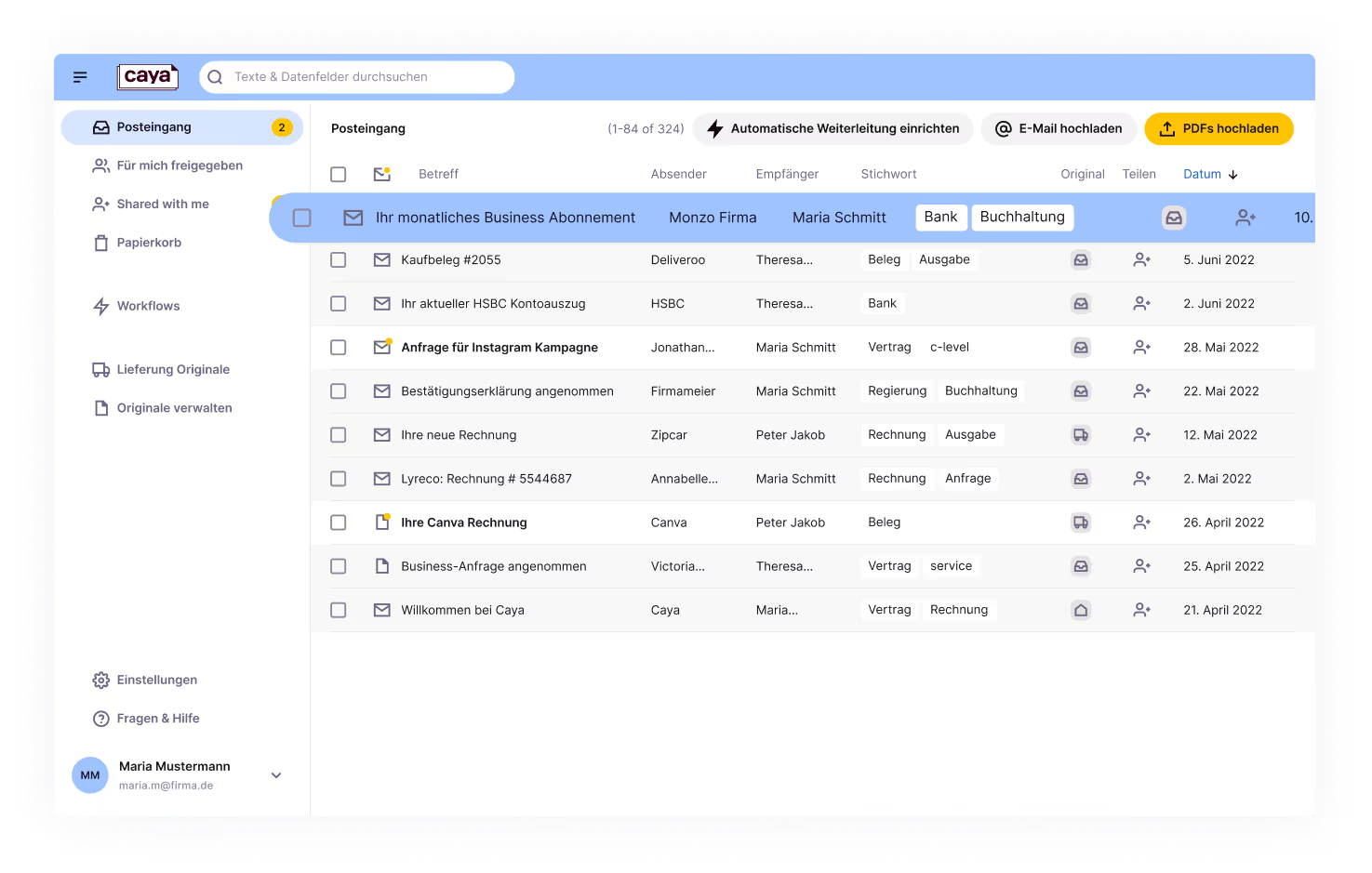
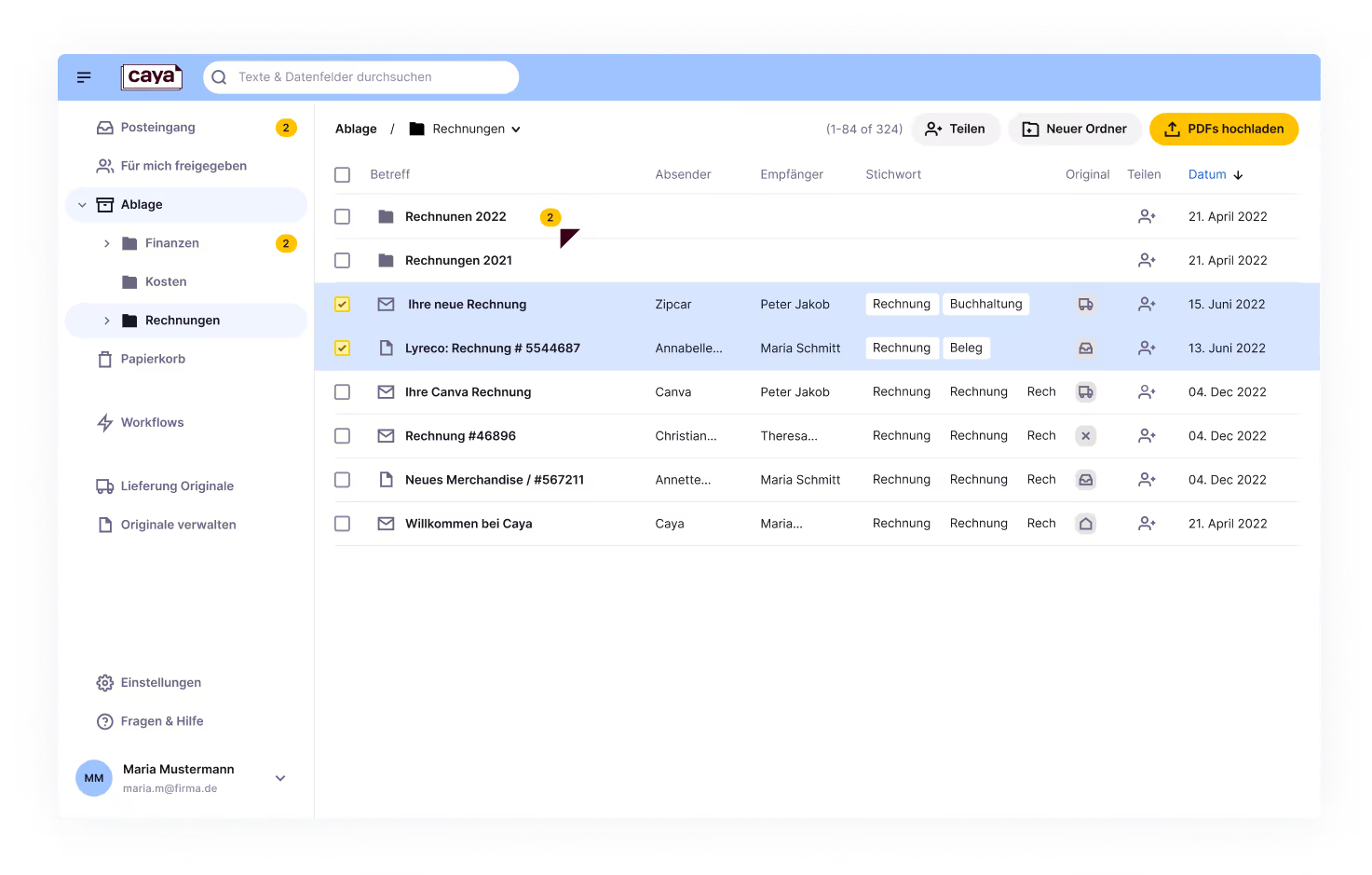
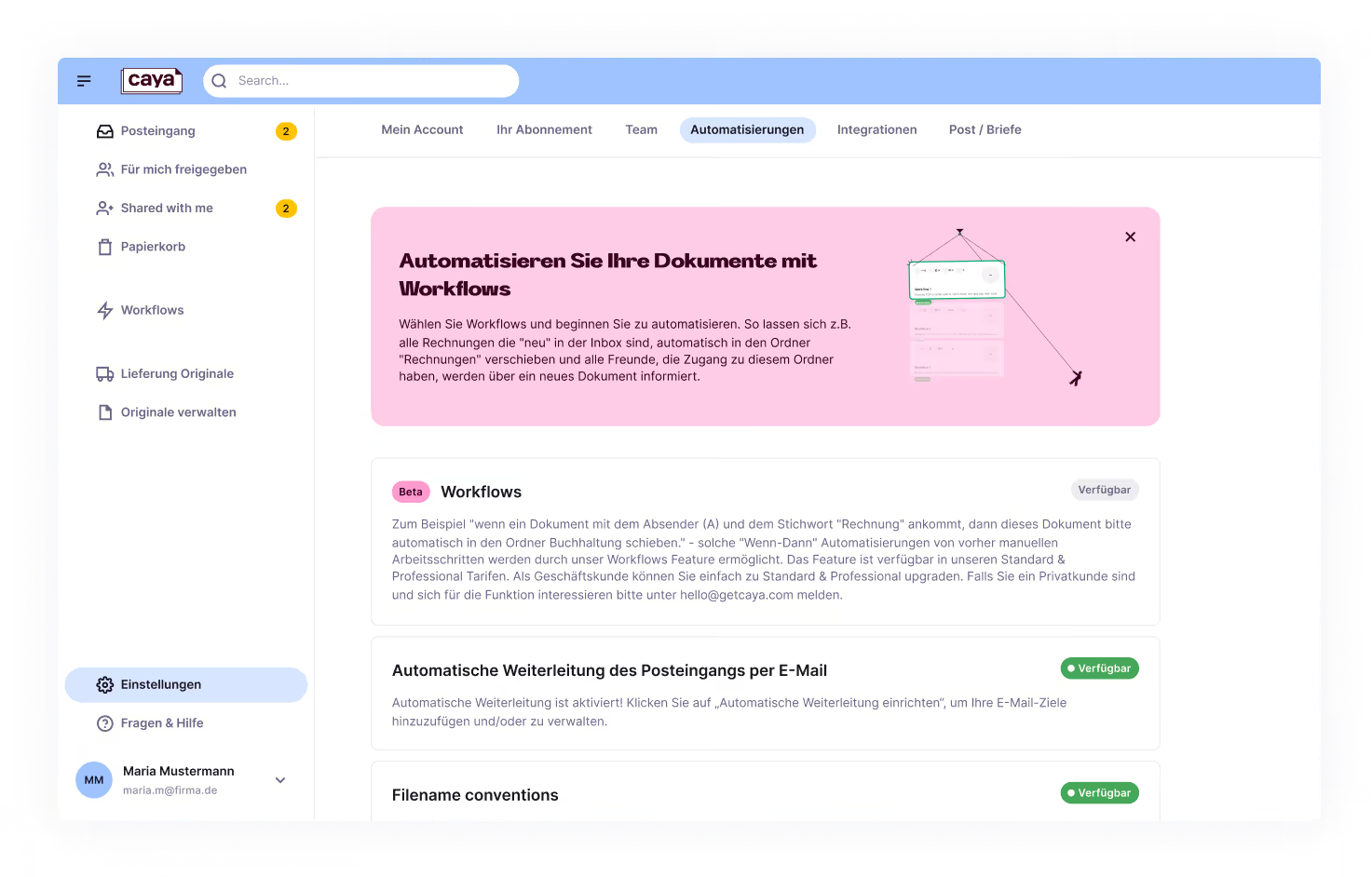

When Is Julia and Is invoice, move to

Caya integrates seamlessly into your existing software landscape
Want to know if Caya is compatible with your existing setup? Contact us and let us advise you.





“The technology is amazing! We've accelerated our administrative process by 30% and are saving over 20 hours a week for annoying tasks that we no longer have to do manually.”
Urban Impact Agency


pascal
Full automation for every use case
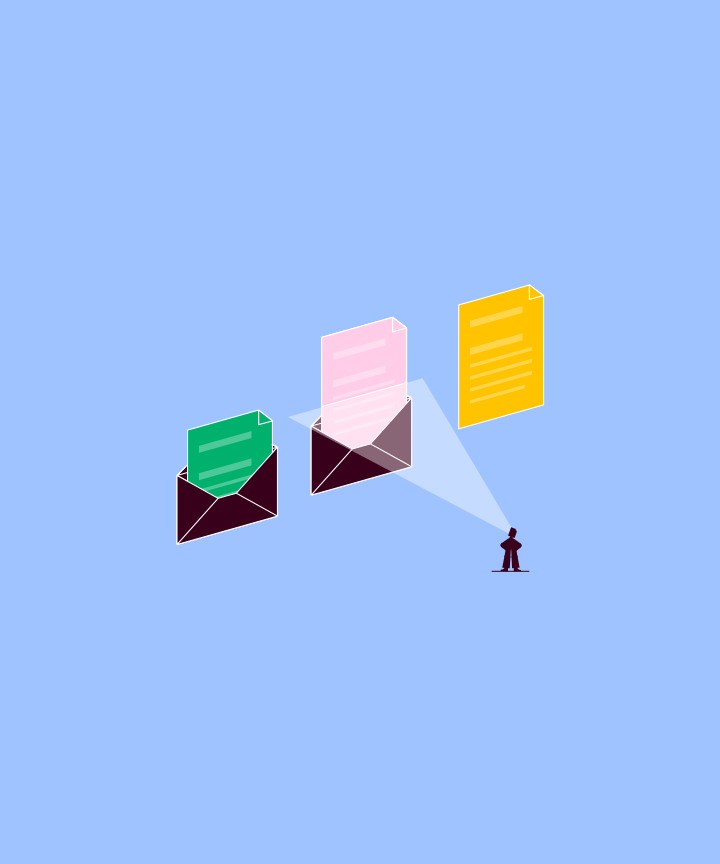

Post Scan
Your physical mail. Digitized daily.
We digitize your physical mail and deliver it to your digital inbox.
- Daily scanning & automatic classification
- 90 days of physical archiving at the scan center
- Notification via app & email
- Full text recognition (OCR) & full text search
- GoBD-compliant, immutable filing
Document Extractions
Structured data. Directly from your documents.
AI and Deep OCR extract all relevant data and deliver it to your systems in a structured format.
- AI-powered Data Extraction
- Pre-trained models + Custom Extractions on Request
- Structured Output: JSON, CSV
- Direct integration into your tool ecosystem
- No more manual transfers
Do you have any questions?
Talk to us.
We are happy to answer all your questions and explain our product to you.
- We take the time to understand your individual concerns and work with you to find a solution.
- Learn how you can increase productivity and optimize your work processes.
- Get pricing information and discover various use cases for your business.

Thank you very much for your interest!

In the meantime, check out our resources:
Document management for SMEs
Tips for successful digitization and more efficient use of DMS.

Quick Guide: Digitalization Strategy
Learn more about post-digitization and CAYA.
Product demo
Get an impression of our software and see the CAYA platform in action.


In the meantime, check out our resources here.

Häufige Fragen
Yes In the Caya Document Automation Suite, access rights can be flexibly controlled: Users receive role-based rights at account level. Individual documents or entire folders can also be shared with anyone in a targeted manner.
Caya's document automations are the rule-based control of complete document workflows — from receipt of documents to automated forwarding. Documents are automatically recognized, classified, stored and forwarded to responsible persons or systems.
Caya automates the entire document flow: receipt from e-mail mailboxes, rule-based filing in folders, distribution to responsible employees and transfer to external systems such as ERP, OneDrive or Google Drive — all without manual intervention.
Caya's document automations eliminate manual steps in document flow and ensure comprehensible, audit-proof processes. SH Netz, for example, saves over 22 working days per year thanks to automated document processing with Caya and EG Deutschland GmbH 90% of working time per letter — around 290 hours per month.
Yes Caya grows dynamically with the requirements of a company and adapts as structures, document volumes or forms of organization evolve — without system changes or time-consuming new implementation.
Caya automatically recognizes incoming invoices, classifies them, tags them and forwards them in a structured manner to the correct folder (e.g. accounting) and the responsible person.

